Industrial software
ICC 2026 Recap & Review
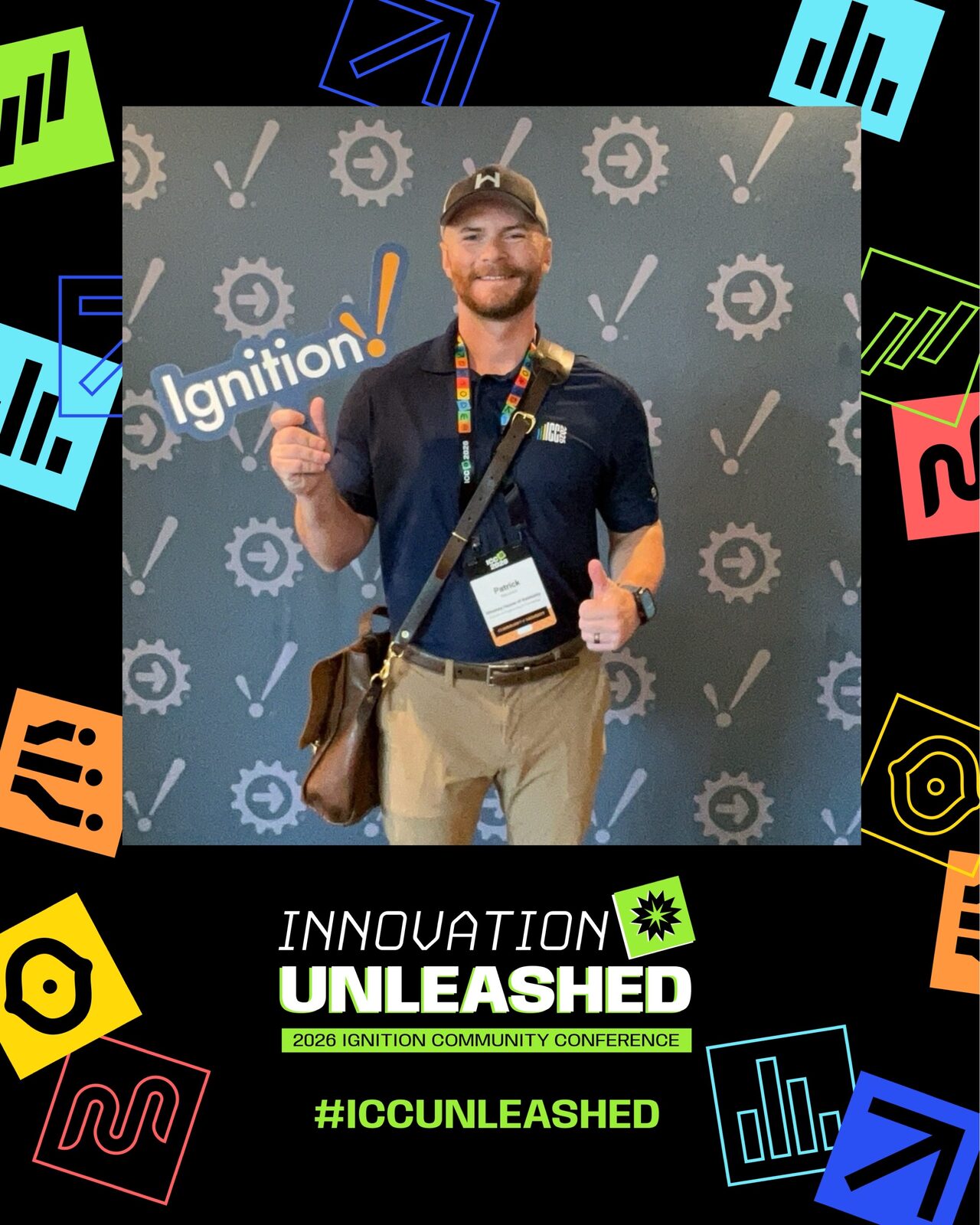
Ignition Community Conference (ICC) 2026 Recap & Review
7 min read
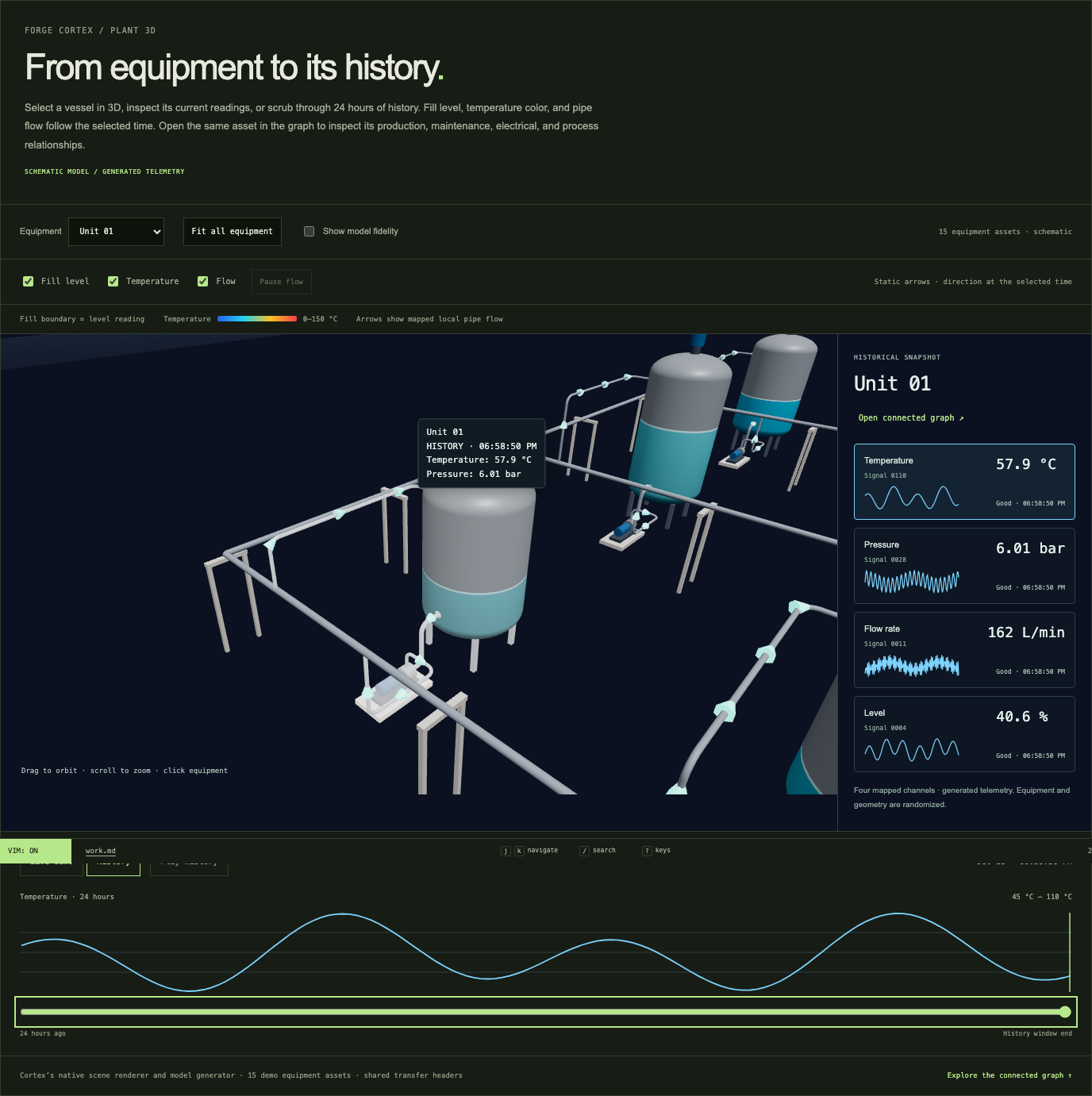
I build MES, warehouse, and customer software at Whiskey House, plus open-source tools for Ignition. Explore the graph and 3D plant, watch real workflows, and see how the systems connect.
Customer-scoped production, inventory, and barrel traceability.

Ignition Community Conference (ICC) 2026 Recap & Review
A few notes on what I've been building, and getting back to writing about it.
How FIELDNOTES got its terminal themes, a fal.ai walk-on animation, Vim motions, and a new home - mostly by describing what I wanted to coding agents.
Agents that take software apart are trending on GitHub. That's a security problem everywhere, and a bigger one for on-prem industrial software where production is king.
A first field note on why production integrations are only done when the next person can trace stale data, retries, and ownership.
Try another topic or a different search.
5 published notes // END OF LOG
Contribution calendar and work totals are loading.
Shorter posts on X and LinkedIn.
A production-data problem, an integration that keeps breaking, or a team decision you’re weighing up. I’m interested in the details.
Book a call ↗Choose an available time on the booking page.New notes on industrial software, development, and leading teams, when they’re published.
Follow with RSSEmail updates aren’t set up yet.